Introduction
Studies show that developers spend up to 30% of their working time on infrastructure setup, configuration, and deployment tasks — time that could otherwise go toward building features and shipping products. As the demand for faster, more reliable deployment pipelines grows, platforms that abstract away infrastructure complexity have become essential tools in the modern developer's workflow. Enter [Railway](https://railway.app), a cloud deployment platform designed to eliminate the friction between writing code and running it in production.
[Railway](https://railway.app) has emerged as a compelling option in the DevOps & Infrastructure space, offering a streamlined experience for deploying applications, databases, and services without requiring deep knowledge of cloud providers or container orchestration. Whether you're a solo developer spinning up a side project or a growing team managing multiple production services, [Railway](https://railway.app) positions itself as the deployment platform that simply works.
In this comprehensive review, we'll explore what [Railway](https://railway.app) is, how it works, its core features, pricing structure, and how it stacks up against alternatives — giving you everything you need to decide if it's the right DevOps & Infrastructure tool for your needs.
---
What Is [Railway](https://railway.app)?
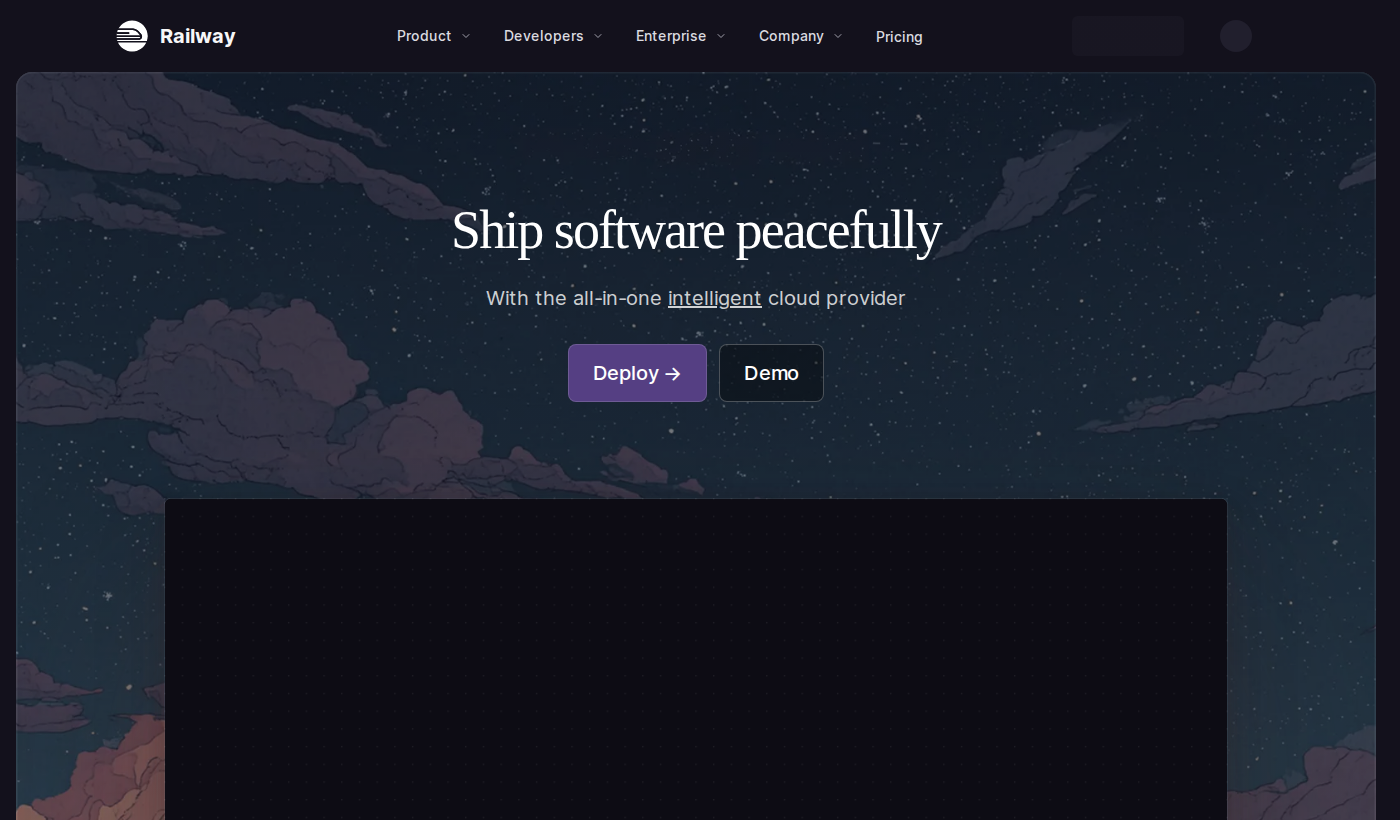
[Railway](https://railway.app) is a cloud-based deployment and infrastructure platform built for developers who want to ship applications quickly without getting bogged down in server configuration, DevOps tooling, or cloud provider complexity. At its core, [Railway](https://railway.app) provides an opinionated but flexible environment where you can deploy code directly from GitHub, spin up managed databases, and connect services together — all through an intuitive interface or CLI.Visit [Railway](https://railway.app)'s official website to see the full scope of what the platform offers, but the short version is this: [Railway](https://railway.app) turns the traditionally painful process of provisioning and deploying infrastructure into something that takes minutes rather than hours or days.
Founded with the mission of making deployment accessible to every developer, [Railway](https://railway.app) sits at an interesting intersection in the DevOps & Infrastructure landscape. It targets developers who find platforms like AWS or Google Cloud overly complex, but who also want more control and scalability than simple platforms like GitHub Pages provide. [Railway](https://railway.app) supports a wide range of languages and frameworks out of the box, including Node.js, Python, Ruby, Go, Java, and more, making it a versatile choice for modern development teams.
What genuinely differentiates [Railway](https://railway.app) from other DevOps & Infrastructure platforms is its focus on developer experience. Every design decision — from its visual project dashboard to its automatic environment variable management — is made with the goal of reducing cognitive overhead and letting developers focus on code.
---
Key Features of [Railway](https://railway.app)
1. One-Click GitHub Deployments
[Railway](https://railway.app) integrates deeply with GitHub, allowing you to connect a repository and have your application deployed in minutes. Push to your main branch, and [Railway](https://railway.app) automatically detects your project type, builds it, and deploys it — no configuration files required in most cases. This continuous deployment workflow is a massive time-saver for teams following modern GitOps practices and is one of the most-praised aspects of the platform among its users.
2. Managed Database Provisioning
One of [Railway](https://railway.app)'s standout capabilities in the DevOps & Infrastructure space is how effortlessly it handles databases. You can provision PostgreSQL, MySQL, MongoDB, and Redis databases directly within your [Railway](https://railway.app) project with a single click. These databases are managed, backed up, and connected to your services automatically — with environment variables injected so your app can connect without any manual credential management.
3. Environment Management
[Railway](https://railway.app) makes it easy to manage multiple environments — such as production, staging, and development — within a single project. Each environment gets its own set of services, databases, and variables, and you can promote changes between environments with confidence. This is a feature that many DevOps & Infrastructure teams pay a premium for on enterprise platforms, but [Railway](https://railway.app) includes it as a core part of the experience.
4. Visual Project Dashboard
Unlike many cloud platforms that bury their UI under layers of menus, [Railway](https://railway.app) offers a clean, visual canvas where you can see all your services, databases, and their connections at a glance. This makes it easier to reason about your architecture and onboard new team members quickly — a subtle but significant quality-of-life improvement for growing teams.
5. [Railway](https://railway.app) CLI
For developers who prefer working in the terminal, [Railway](https://railway.app) provides a fully-featured CLI that mirrors the functionality of the web dashboard. You can deploy services, manage environment variables, run one-off commands, and connect to your databases locally — all from the command line. The CLI is particularly useful for automating deployment workflows and integrating [Railway](https://railway.app) into CI/CD pipelines.
6. Automatic SSL and Custom Domains
[Railway](https://railway.app) automatically provisions SSL certificates for all deployed services and makes it straightforward to attach custom domains. This is another area where [Railway](https://railway.app) removes a traditionally tedious task — there's no manual certificate management or DNS configuration headaches. Point your domain, and [Railway](https://railway.app) handles the rest.
7. Usage-Based Scaling
[Railway](https://railway.app)'s infrastructure scales with your usage automatically, meaning you're not locked into fixed instance sizes that either leave capacity on the table or cause performance bottlenecks during traffic spikes. This usage-based approach is particularly well-suited to the DevOps & Infrastructure needs of startups and indie developers who want predictable costs tied to actual usage rather than provisioned resources.
---
[Railway](https://railway.app) Pricing & Plans
[Railway](https://railway.app) pricing follows a usage-based model that's designed to be accessible at every stage of a project's growth. Since detailed tier pricing can change frequently, [Railway](https://railway.app) publishes its current plans and rates directly on its website — and it's worth checking the latest figures there.
From publicly available information, [Railway](https://railway.app) offers a Hobby plan aimed at individual developers and small projects, which includes a monthly credit to cover usage costs. This makes it effectively free for low-traffic applications and side projects. For teams and larger workloads, [Railway](https://railway.app) offers a Pro plan that increases resource limits, adds team collaboration features, and provides higher priority support. Enterprise-level arrangements are also available for organizations requiring custom SLAs, dedicated infrastructure, or advanced compliance features.
The pricing philosophy at [Railway](https://railway.app) is pay-for-what-you-use, which is a departure from many competitors that charge flat monthly fees regardless of actual resource consumption. This makes [Railway](https://railway.app) especially attractive for developers who want to experiment without worrying about a large upfront commitment.
View [Railway](https://railway.app) pricing on the official site for the most accurate and up-to-date tier information, as the platform periodically adjusts its credit allocations and plan structures.For most indie developers and small teams, the Hobby or entry-level Pro plan is the sweet spot — offering enough resources to run real production workloads without breaking the budget.
---
Pros & Cons
[Railway](https://railway.app) Pros:✅ Extremely fast deployment setup — from zero to live in minutes for most projects
✅ Excellent developer experience with an intuitive UI and powerful CLI
✅ Managed databases with automatic connection injection save significant setup time
✅ Usage-based pricing is cost-effective for small to medium projects
✅ Multi-environment support (production, staging, dev) built in from the start
✅ Automatic SSL and custom domain support with minimal configuration
[Railway](https://railway.app) Cons:❌ Pricing details are not always transparent upfront — costs can surprise developers who don't monitor usage closely
❌ Limited publicly available information on enterprise SLAs and compliance certifications, making it harder to evaluate for regulated industries
❌ Compared to AWS or GCP, [Railway](https://railway.app) offers less granular control over underlying infrastructure, which may frustrate advanced DevOps engineers
❌ The platform is relatively newer, meaning the ecosystem of community tutorials and third-party integrations is still growing compared to more established DevOps & Infrastructure platforms
---
[Railway](https://railway.app) vs. Alternatives
When evaluating [Railway](https://railway.app), it's natural to compare it against other popular DevOps & Infrastructure platforms.
[Railway](https://railway.app) vs. Heroku: Heroku was long the go-to platform for simple, Git-based deployments, but its pricing changes in recent years removed its free tier and made it significantly more expensive for small projects. [Railway](https://railway.app) fills the gap Heroku left, offering a similar simplicity-first experience with more modern infrastructure and a more competitive pricing model. For developers who loved Heroku but balked at its current pricing, [Railway](https://railway.app) is a compelling alternative. [Railway](https://railway.app) vs. [Render](https://render.com): [Render](https://render.com) is another modern platform-as-a-service (PaaS) that competes directly with [Railway](https://railway.app). Both offer similar deployment simplicity and managed databases. [Railway](https://railway.app) tends to differentiate itself through its visual project canvas and more flexible environment management, while [Render](https://render.com) has a slightly more established reputation for static site hosting. The two are closely matched, and the right choice often comes down to personal workflow preference. [Railway](https://railway.app) vs. Fly.io: Fly.io targets developers who want more control over the geographic distribution of their applications, offering deployment to edge locations around the world. [Railway](https://railway.app) is simpler and faster to get started with, while Fly.io rewards developers willing to invest more time in configuration. For teams that need global, low-latency deployments, Fly.io may edge out [Railway](https://railway.app), but for straightforward deployments, [Railway](https://railway.app)'s experience is hard to beat.---
Who Should Use [Railway](https://railway.app)?
Ideal for:- Indie developers and side project builders who want to deploy quickly without managing servers or paying for idle resources
- Startups and small teams that need a reliable DevOps & Infrastructure platform without dedicating engineering headcount to infrastructure management
- Developers migrating off Heroku who want a familiar deployment experience with more modern tooling and better pricing
- Educators and bootcamp students learning full-stack development who need a real deployment environment that doesn't require cloud provider expertise
- Freelancers and agencies managing multiple client projects who benefit from [Railway](https://railway.app)'s clean project isolation and environment management
[Railway](https://railway.app) is less suited for large enterprises with strict compliance requirements or organizations that need deep infrastructure customization at the OS or networking level. For those use cases, a more full-featured cloud provider may be a better fit.
Explore [Railway](https://railway.app) to see if it aligns with your specific deployment needs, and check their documentation for supported languages and frameworks.
---
Getting Started with [Railway](https://railway.app)
Getting started with [Railway](https://railway.app) is genuinely one of the smoothest onboarding experiences in the DevOps & Infrastructure space. Here's a quick overview of the process:
- Sign up at [Railway](https://railway.app)'s website using your GitHub account — this also enables the GitHub integration for deployments.
- Create a new project from the [Railway](https://railway.app) dashboard and connect your GitHub repository or choose from a library of starter templates.
- Add services and databases as needed — [Railway](https://railway.app) will automatically detect your stack and configure the build process.
- Set environment variables using [Railway](https://railway.app)'s built-in variable management, including any database connection strings that [Railway](https://railway.app) injects automatically.
- Deploy — [Railway](https://railway.app) builds and deploys your application, providing a public URL immediately upon success.
The entire process from sign-up to a live deployed application can take under 10 minutes for a typical web project. The [Railway](https://railway.app) CLI is available for developers who prefer a terminal-based workflow, and it supports all the same operations as the web dashboard.
Visit [Railway](https://railway.app) to sign up and explore their documentation for framework-specific guides.
---
Final Verdict
After a thorough examination, [Railway](https://railway.app) stands out as one of the most developer-friendly platforms in the DevOps & Infrastructure category today. Its combination of fast deployments, managed databases, clean UI, and usage-based pricing addresses the real pain points that developers face when trying to ship and scale applications without becoming infrastructure experts.
[Railway](https://railway.app) is not the right tool for every situation — teams that need granular infrastructure control or enterprise-grade compliance features may find it limiting. But for the vast majority of developers and small-to-medium teams, [Railway](https://railway.app) delivers an experience that is genuinely hard to match in terms of speed and simplicity.
In a market crowded with complex cloud platforms and expensive PaaS options, [Railway](https://railway.app) carves out a clear, valuable niche. It respects your time, reduces operational overhead, and lets you focus on what you actually want to build. If you're evaluating platforms for your next project, [Railway](https://railway.app) deserves a serious look.
Overall Rating: 4.4/5 — Excellent developer experience with minor limitations at the enterprise scale.---
Frequently Asked Questions
Q: How much does [Railway](https://railway.app) cost?A: [Railway](https://railway.app) uses a usage-based pricing model with several plan tiers, including a Hobby plan with monthly credits (effectively free for small projects) and a Pro plan for teams needing more resources and collaboration features. Since pricing evolves regularly, check [Railway](https://railway.app)'s official website for the most current and accurate pricing information.
Q: What makes [Railway](https://railway.app) different from alternatives like Heroku or [Render](https://render.com)?A: [Railway](https://railway.app) differentiates itself through its visual project canvas, deep GitHub integration, seamless multi-environment management, and usage-based pricing that scales with actual consumption. It's often cited as the spiritual successor to Heroku's developer-friendly ethos, but with more modern infrastructure and better pricing for today's development needs.
Q: Is [Railway](https://railway.app) suitable for production workloads?A: Yes, [Railway](https://railway.app) is used for production applications by indie developers, startups, and growing teams. It offers automatic SSL, custom domains, environment isolation, and managed databases — all features needed for reliable production deployments. Very large-scale enterprise workloads may benefit from additional evaluation of [Railway](https://railway.app)'s SLA offerings.
Q: Does [Railway](https://railway.app) support multiple programming languages and frameworks?A: [Railway](https://railway.app) supports a broad range of languages and frameworks including Node.js, Python, Ruby, Go, Java, and more, with automatic detection and build configuration in most cases. Their documentation covers specific setup requirements for various stacks.
Q: Can I use [Railway](https://railway.app) with an existing CI/CD pipeline?A: Yes, [Railway](https://railway.app)'s CLI and GitHub integration make it straightforward to incorporate into existing CI/CD workflows. You can trigger deployments from automated pipelines, manage environment variables programmatically, and run one-off commands as part of your build and release process. Learn more about [Railway](https://railway.app) and its integration capabilities in their official documentation.