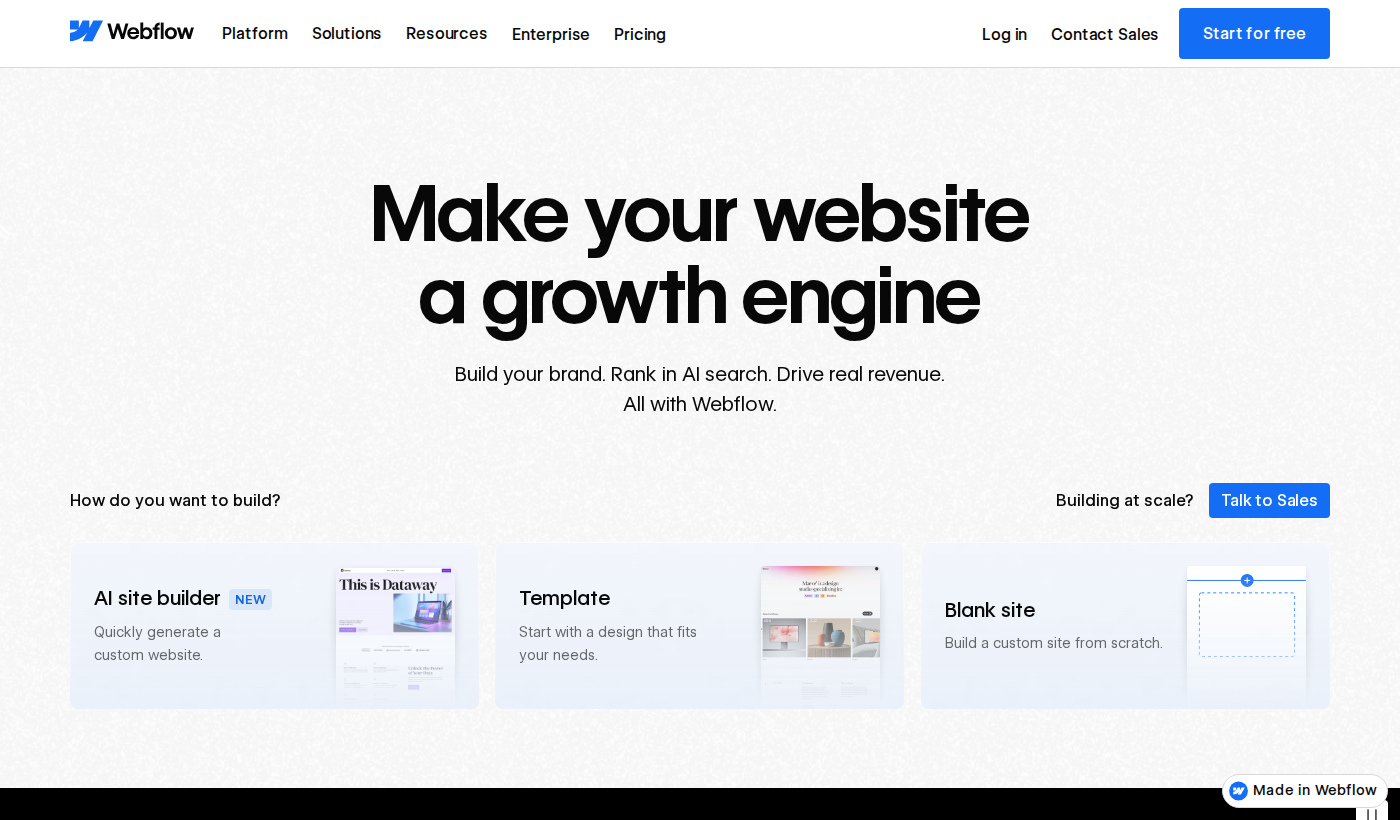
Webflow Review 2026: The Visual Web Development Platform for Modern Teams
Webflow has spent the last decade carving out a unique position in web development: a visual builder powerful enough for professional developers, yet accessible enough that designers can ship without writing code. In 2026, with an expanded CMS, AI-assisted layout tools, and a mature app ecosystem, it's more relevant than ever — but it's also more expensive and complex than it used to be. Here's a full breakdown.
What Is Webflow?
Webflow is a visual web development platform that generates clean, semantic HTML, CSS, and JavaScript from a drag-and-drop canvas. Unlike traditional page builders (Wix, Squarespace), Webflow exposes the underlying CSS box model, flexbox/grid systems, and interaction APIs directly in its UI — giving developers full design control without leaving the browser.
It ships with a CMS for dynamic content, e-commerce capabilities, a JavaScript-free interaction system, and a managed hosting layer (or export-to-code for self-hosting). In 2025-2026, Webflow added AI-assisted layout generation, improved its Memberships product, and deepened its Logic (workflow automation) feature set.
Key Features
Visual CSS Control — The Core Differentiator
Webflow's canvas isn't an abstraction layer on top of CSS — it IS CSS, expressed visually. Margin, padding, position, display mode, grid template areas: every property is directly accessible. When you drag an element and set its padding to 24px, the generated code writes exactly that. No mystery classes, no !important overrides, no framework abstraction.
For developers who know CSS well, this is liberating. You get the speed of a visual tool with the precision of code. For designers learning to think in code, it's the ideal learning environment — you see the output change as you tweak values.
CMS — Flexible Content Architecture
Webflow's CMS lets you define custom content types (Collections) with typed fields: text, rich text, images, video, references to other Collections. A blog is the obvious use case, but the architecture supports product directories, team member rosters, case study libraries, event listings, and any other structured content pattern.
The 2025 CMS update added bulk editing, better filtering/sorting in the editor, and improved reference field UX. For content-heavy marketing sites, it's now genuinely competitive with Contentful and DatoCMS for non-enterprise use cases — and tightly integrated with the visual layer in a way headless CMSes can't match.
Interactions and Animations
Webflow's Interactions panel lets you build scroll-triggered animations, hover states, parallax effects, and multi-step page transitions — zero JavaScript required. The exported code uses the Web Animations API under the hood. The result is performant, accessible (respects prefers-reduced-motion), and SEO-friendly.
Complex interaction sequences can get unwieldy in the UI, but for standard marketing site animations (hero reveals, scroll-fade-in, sticky nav effects), the no-code approach is significantly faster than writing GSAP or Framer Motion by hand.
Webflow Logic (Workflow Automation)
Logic is Webflow's answer to Zapier for site-native automations: form submissions that trigger emails, CMS item creation workflows, conditional logic on form fields, webhook outbound calls. It's early-stage compared to dedicated automation tools, but for keeping logic inside the Webflow ecosystem without external integrations, it's a welcome addition.
AI-Assisted Layout (2025)
The AI layout assistant lets you describe a section in natural language — "a three-column feature grid with icons, headings, and short descriptions, dark background" — and Webflow generates a wireframe-level layout with placeholder content. It's not generating final production designs, but it accelerates the blank-canvas problem and gives designers a starting point to iterate from. Quality is consistent but not remarkable — think "competent starter template" rather than "designer-quality output."
Performance
Webflow's managed hosting is genuinely fast: global CDN via Fastly, automatic image optimization, clean HTML output, and minimal JavaScript for non-interaction pages. Lighthouse scores of 90+ are achievable on well-built Webflow sites. The platform doesn't inject tracking scripts or third-party bloat by default.
Where performance degrades is self-inflicted: heavy interaction scripts, unoptimized embedded videos, or overuse of CMS dynamic content can add up. Webflow gives you the tools to be fast — it doesn't prevent you from being slow.
Pricing
- Starter (Free): 2 projects, webflow.io subdomain, no CMS
- Basic ($18/mo): Custom domain, 500 form submissions/month, no CMS
- CMS ($29/mo): 2,000 CMS items, 3 guest editors
- Business ($49/mo): 10,000 CMS items, 10 guest editors, white label
- Enterprise (custom): SSO, SLA, advanced security, dedicated support
- Workspace plans (for agencies): $28–$60/mo, scale by number of sites
Pricing has increased over the years and is no longer cheap for multi-site agency work. The CMS plan is well-priced for a single marketing site. Agency and freelancer use cases benefit from Workspace plans, though the per-site logic can get complicated.
Pros
- Most powerful visual CSS editor available — direct, no abstraction
- Clean, semantic HTML/CSS output you can actually read
- CMS is genuinely flexible and well-integrated
- No-code animations that perform well and respect accessibility
- Strong ecosystem of templates, courses (Webflow University), and community
- Managed hosting with global CDN built in
Cons
- Steep learning curve — not beginner-friendly without investment
- Pricing is high for multi-site or agency workflows
- CMS has item limits that force plan upgrades for content-heavy sites
- E-commerce is competent but not best-in-class vs. Shopify
- Logic/automation is basic compared to dedicated tools
- No native React/component-based workflow (Editor X / Wix Studio edge here)
Who Should Use Webflow
Webflow is the right choice for: marketing agencies building polished client sites, designer-developer hybrids who want design control without full custom code, and founders who need a fast-loading, visually differentiated marketing site with a CMS they can hand to non-technical content editors.
It's not the right choice for: complex web applications with user-generated content, developers who want a component-based JS framework workflow, or anyone on a tight budget managing 10+ sites.
Webflow vs. Competitors
vs. Framer: Framer has better React/component support and is faster for pure landing pages. Webflow wins on CMS depth and animation flexibility.
vs. WordPress: Webflow wins on code quality, performance, and no-plugin philosophy. WordPress wins on ecosystem breadth, e-commerce maturity, and price.
vs. Squarespace: Webflow is significantly more powerful and significantly more complex. Squarespace is better for pure simplicity.
Verdict
Webflow remains the gold standard for visual web development in 2026. It's not for everyone — the learning curve is real, and the pricing demands justification — but for teams who invest in mastering it, the output quality, code cleanliness, and design flexibility are unmatched in the no-code/low-code space.
If you're a developer or designer who ships marketing sites professionally, Webflow should be in your toolkit. The time savings over hand-coded CSS and the client-handoff capabilities over WordPress make it earn its price.
Rating: 8.9/10 — The most powerful visual web builder available. High ceiling, steep ramp. Worth every bit of both.