Introduction
Cursor has quietly become the code editor that developers actually switch to and never go back. Built on top of Visual Studio Code, it layers in AI so deeply that it stops feeling like a tool and starts feeling like a collaborator. With over 1 million users and 360,000 paying customers in its first 16 months, the numbers back up the hype. We tested it for 30 days on real projects. Here's the honest verdict.
What is Cursor?
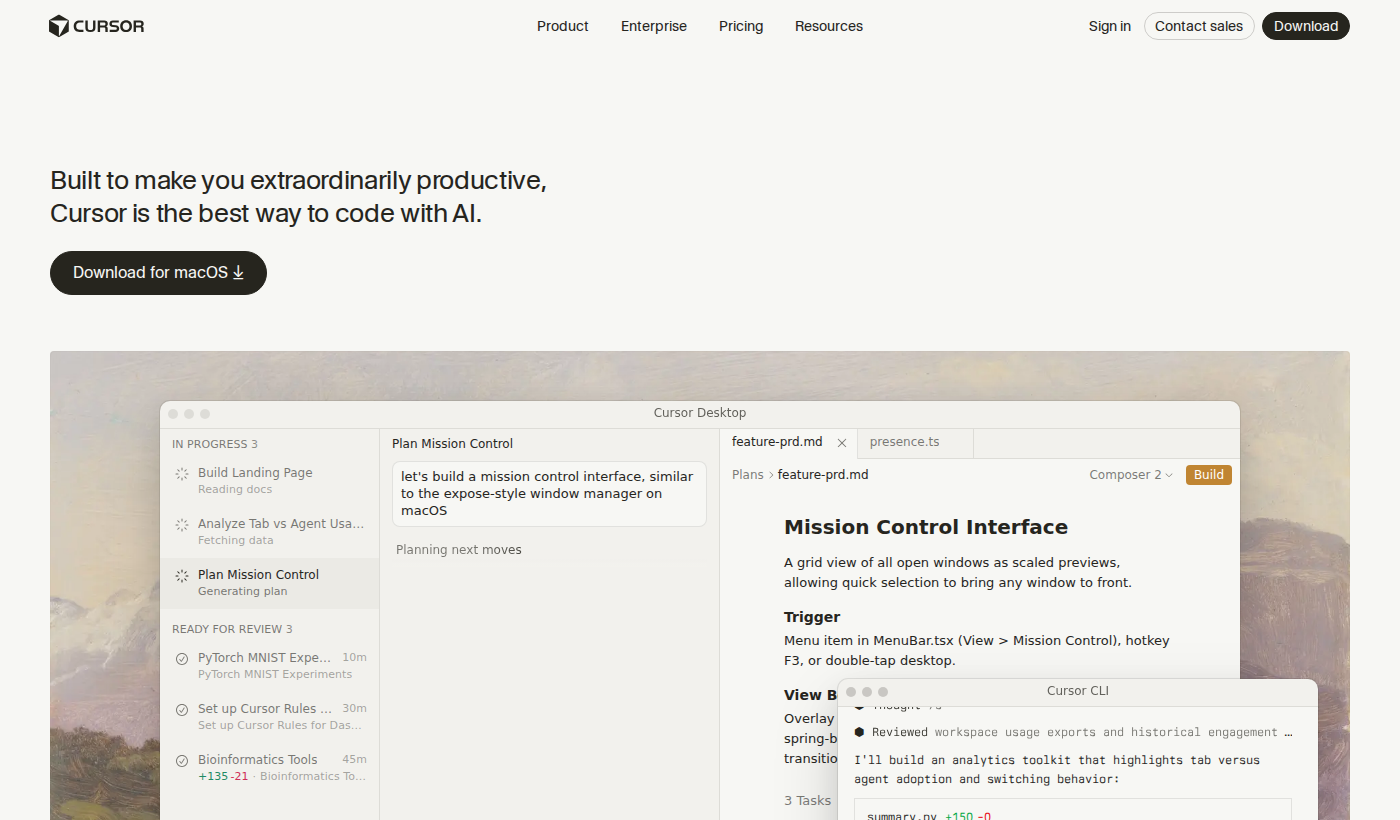
Cursor is an AI-first code editor built as a fork of VS Code. It keeps everything you already know — your extensions, keybindings, themes — and adds a layer of AI that understands your entire codebase, not just the file you have open. The key difference from tools like GitHub Copilot is depth of context: Cursor indexes your whole project and uses that to generate suggestions, answer questions, and make edits that actually fit.
Key Features
Tab Completion
Cursor's autocomplete goes beyond single lines. It predicts multi-line edits, understands what you're trying to do, and gets out of the way when you don't need it. After a few days it starts feeling like it reads your mind.
Cmd+K — Inline AI Editing
Highlight any code, hit Cmd+K, describe what you want in plain English, and Cursor rewrites it. Works for refactoring, adding error handling, converting between patterns. This single feature saves hours per week.
AI Chat with Codebase Context
The sidebar chat knows your entire project. Ask "why is this component re-rendering?" or "where is this function called?" and get accurate answers with file references. It's not a generic chatbot — it's a developer who has read all your code.
Composer — Multi-File Edits
Composer lets you make changes across multiple files in one instruction. "Add authentication to all these API routes" actually works. This is the feature that separates Cursor from everything else at its price point.
Multi-Model Support
Cursor lets you choose between GPT-4o, Claude 3.5 Sonnet, and other models. Claude tends to write cleaner code; GPT-4o is faster for quick completions. Having the choice matters.
Pricing
- Free: 2,000 completions/month, 50 slow premium requests
- Pro ($20/mo): Unlimited completions, 500 fast premium requests/month
- Business ($40/user/mo): Everything in Pro plus team management, centralized billing
The free tier is genuinely useful for evaluation. Most developers who try the Pro trial don't go back.
Pros and Cons
- ✅ Codebase-aware context — suggestions actually fit your project
- ✅ Familiar VS Code foundation — zero learning curve for existing users
- ✅ Composer handles multi-file edits competitors can't match
- ✅ Multiple AI models — choose the right one for the job
- ✅ Privacy mode keeps sensitive code local
- ❌ $20/mo is steep for solo developers on tight budgets
- ❌ Requires internet — offline mode is limited
- ❌ Occasionally over-engineers simple solutions
Cursor vs GitHub Copilot
GitHub Copilot costs $10/mo and works inside any editor. Cursor costs $20/mo but understands your whole codebase, not just the current file. If you spend more than a few hours a day coding, the productivity difference more than justifies the price gap. Copilot is a good autocomplete tool. Cursor is a coding partner.
Who Should Use Cursor?
Cursor is ideal for developers working on medium-to-large codebases who want AI that actually understands their project. It's especially strong for full-stack developers, React/TypeScript work, and anyone doing frequent refactoring.
Final Verdict
Cursor is the best AI code editor available in 2026. The codebase context, Composer for multi-file edits, and the quality of suggestions at the Pro tier make it worth $20/mo for any developer who codes seriously. Try it for two weeks — you won't go back.
Frequently Asked Questions
Is Cursor free? Yes — the free tier includes 2,000 completions and 50 premium requests per month. Pro is $20/mo.
Does Cursor work with my existing VS Code extensions? Yes. Cursor imports your extensions, themes, and settings automatically.
Is Cursor safe for proprietary code? Yes — Privacy Mode keeps your code local and out of training data.
What languages does Cursor support? All languages VS Code supports. Strongest with TypeScript, Python, JavaScript, and React.